Quick Answer
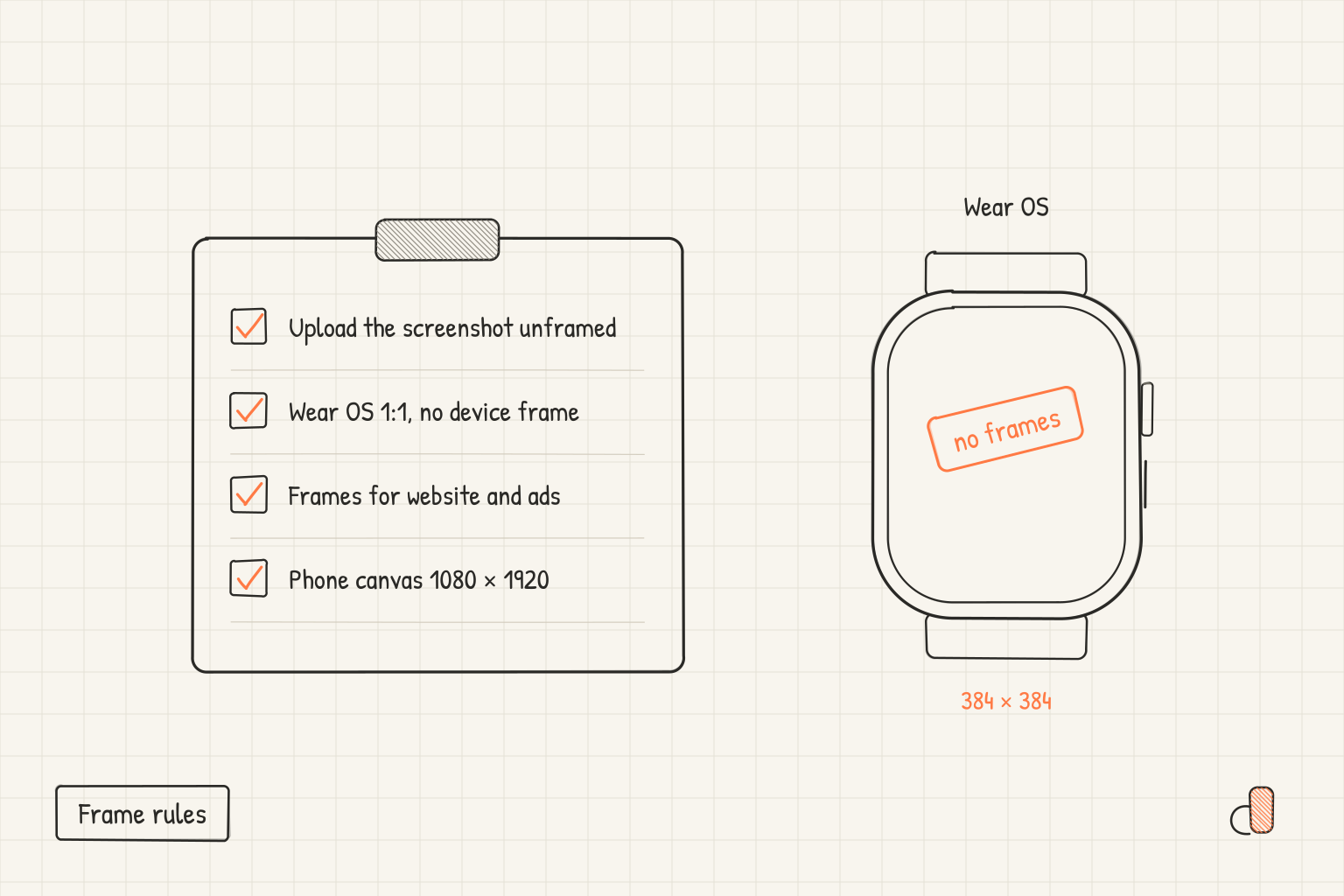
Google Play's mandatory screenshot requirements say nothing about device frames, so nothing in them stops you uploading a framed phone screenshot. Google still advises against it twice. The preview asset page puts device imagery on the Highly recommended list of image elements to avoid, "as this can become obsolete quickly or alienate some users", and the device art generator page states: "Do not use graphics created here in your feature image or screenshots for your Google Play store listing, using the screenshot alone without framing is recommended." For Wear OS apps and watch faces it is a hard rule. Those listings must not position the screenshots within device frames, and the screenshots must be 1:1 at a minimum of 384 × 384 pixels.
What Google's pages say about frames
Google's page on preview assets splits its guidance into two tiers and says what each tier costs you. Requirements are "mandatory; failure to meet requirements may result in removal or suspension from Google Play". Failing a Highly recommended guideline "will not impact your store listing page, but may result in changes to how your preview assets appear on Google Play or limit promotional opportunities".
Frames come up in several places, at three different weights.
| Where the guidance sits | What it says about frames | Weight |
|---|---|---|
| Screenshot Requirements, preview asset page | Nothing. Count, format and size only: two screenshots minimum, JPEG or 24-bit PNG with no alpha, 320 px to 3840 px per side, long side at most twice the short side | Mandatory |
| Screenshots, Highly recommended | Avoid repetitive image elements including "Device imagery (as this can become obsolete quickly or alienate some users)" | May limit promotion |
| Feature graphic, Highly recommended | The same device imagery bullet, applied to the 1024 × 500 feature graphic | May limit promotion |
| Device art generator page | Do not use its framed graphics in your feature image or store listing screenshots | Google's stated recommendation |
| Wear OS apps and watch faces | Listings "must ... Not position the screenshots within device frames" | Mandatory for Wear OS |
| Android Automotive OS | Screenshots "must depict the generic system UI and cannot include screenshots specific to an individual vehicle model or OEM" | Mandatory for Automotive |
For a phone or tablet listing, a frame is a promotion question rather than a rejection question. Even so, the Highly recommended list opens by saying that to be eligible for recommendations in Google Play formats that use screenshots, "the following guidelines are a requirement". Upload unframed, and keep the framed version for surfaces you control.
Wear OS is the one hard rule
For Wear OS the instruction is stated twice, on the preview asset page and in Google's Wear OS app quality guidelines as requirement WO-G5 for apps and WO-G6 for watch faces. Both pages use the word must.
| Wear OS listing screenshots must | Apps | Watch faces |
|---|---|---|
| Show only the interface, with no device frame and no added text, graphics or backgrounds | Yes | Yes |
| Include at least one screenshot of the shipping build | Yes | Yes |
| Be 1:1, at a minimum of 384 × 384 pixels | Yes | Yes |
| Avoid transparent backgrounds and masking | Yes | Yes |
| Show more than one permutation when the design is customisable | Not stated | Yes |
That page, last updated on 2026-08-06, also carries the official way to produce a compliant file. Android Studio from Hedgehog onwards provides Play compatible screenshot functionality: in the Take screenshot dialog, choose Play Store Compatible in the drop down menu. That gives you the square, unframed capture the rule asks for, rather than the round, masked image a watch screenshot often starts as. The restriction reaches the watch face icon too: WO-G4 says it must not include text, graphics or device frames outside the watch face experience.
Where device frames do belong
Google's own framing tool answers this. The device art generator page, last updated on 2025-07-21, describes the artwork it produces as something that "provides better visual context for your app screenshots on your website or in other promotional materials", then adds the note keeping it out of the store listing. Website, press kit, social posts and ad creative are the uses Google names. Google's Highly recommended list also asks for captured footage of the app itself, with no fingers tapping the device unless the core experience is off device.
What to upload, and how to check the file
Export the unframed capture on a 1080 × 1920 canvas. That size clears both mandatory limits and matches the Highly recommended list, which asks apps for at least four screenshots at a minimum of 1080 px, 9:16 for portrait, with 1080 × 1920 named as the minimum portrait size. For games it asks for three.
A raw capture off a tall phone is often not valid. A 20:9 panel captures at 1080 × 2400, and 2400 is more than twice 1080, so it fails the ratio cap even though it sits under the 3840 px maximum. The Google Play and Android size reference works through the sizes that do fit, and the foldable capture sizes post does the same for inner and cover panels.
Three checks on the finished file, and the fix for each:
- Dimensions and ratio. Read the pixel width and height in any image editor, then divide the long side by the short side. Anything above 2 is refused. Fix it by placing the capture on a 1080 × 1920 canvas instead of stretching it.
- The frame. View the export at 100% and look at the four edges. If a bezel, a rounded corner or a drop shadow sits between the interface and the canvas edge, the file carries device imagery. Re-export with the frame off.
- Alpha. The Requirements ask for JPEG or 24-bit PNG with no alpha. If your editor reports a 32-bit PNG or an alpha channel, flatten the image onto an opaque background and save again as JPEG.
Google also asks for alt text with each screenshot, 140 characters or less. The text rules for Play screenshots post covers what that copy may and may not say.
Doing it free in appdesigns
appdesigns is free, needs no account to create or export, adds no watermark, allows unlimited exports and renders in the browser. Exports are PNG files.
Set the canvas to the Android 1080 × 1920 preset and the frame to none for anything going into a Play listing. That pairing is what Google's recommendation describes. The 1080 × 2400 and 1440 × 3120 presets cover the panel resolutions themselves, and each has a landscape version.
For the website version of the same screen, switch the frame to Pixel 11 Pro, Galaxy S26 Ultra, or Uniframe, which is brand neutral and avoids tying your artwork to one model. Uniframe is still a frame, so it belongs where the Pixel and Galaxy frames do, outside the listing. Backgrounds, headline text and device tilt work either way, and the gallery shows sets real apps shipped.
Two limits. There is no 384 × 384 square preset, so take Wear OS listing screenshots with the Play Store Compatible option in Android Studio. And appdesigns does not check files against store rules or upload anything to Play Console, so run the three checks yourself.
Frequently Asked Questions
Will a framed phone screenshot be removed from Google Play?
Nothing in the mandatory screenshot Requirements mentions frames, so a framed phone or tablet screenshot is not a removal risk. Device imagery sits on the Highly recommended list, where Google says failure to comply will not impact your store listing page but may limit promotional opportunities. Wear OS is the exception, where the rule uses must.
Can I use output from the Android device art generator in my Play listing?
No. That page's own note says not to use graphics created there in your feature image or your store listing screenshots, and recommends the screenshot alone without framing. It describes the artwork as something for your website or other promotional materials instead.
Does a brand neutral frame satisfy Google's guidance on device imagery?
It answers half of the stated concern. A generic frame will not look obsolete when a model is replaced, but it is still device imagery around the interface. Treat any frame as off limits for the listing.
What size should an unframed phone screenshot be?
Use 1080 × 1920. It satisfies the mandatory rule that the long side is no more than twice the short side, sits inside the 320 px and 3840 px bounds, and matches the minimum portrait size in Google's recommended set. A raw 1080 × 2400 capture fails the ratio cap.