Quick Answer
Google Play states its rules about words in a screenshot in two places, and they carry different weight. On Google's preview asset page, everything about text sits under Highly recommended: taglines only if necessary and no more than 20% of the image, no ranking, award, testimonial or price wording, no calls to action, and alt text of 140 characters or less with each screenshot. Google says failure to follow that list "will not impact your store listing page, but may result in changes to how your preview assets appear on Google Play or limit promotional opportunities". The mandatory Requirements cover only format and dimensions. What makes wording enforceable is the Metadata policy, which names screenshots among the metadata that may not be misleading, irrelevant or excessive.
Which page carries which weight
Google's page on preview assets separates the tiers at the top. Requirements are "mandatory; failure to meet requirements may result in removal or suspension from Google Play". The Highly recommended guidelines only "help make your app or game more eligible for recommendation and promotion".
| Rule | Where Google states it | Weight |
|---|---|---|
| At least two screenshots, JPEG or 24-bit PNG, no side under 320 px or over 3840 px, long side at most twice the short side | Requirements, preview asset page | Mandatory |
| Taglines only if necessary, and no more than 20% of the image | Highly recommended, preview asset page | May limit promotion |
| No ranking, award, testimonial or price wording, and no calls to action | Highly recommended, preview asset page, and the best practices page | Recommended on one page, policy guidance on the other |
| Alt text with each screenshot, 140 characters or less | Highly recommended, preview asset page | May limit promotion |
| No misleading, irrelevant, excessive or inappropriate metadata, screenshots included | Metadata policy | Developer Program Policy |
Treat the Highly recommended list as firm anyway. Google's store listing best practices repeats the ranking and price restriction inside its own Screenshots section, as policy guidance rather than promotion advice. And publishing on Google Play grants Google a licence to use your screenshots "for promotional purposes", so that list protects the surfaces carrying your images beyond your own listing page.
The 20% tagline limit on a 1080 × 1920 canvas
The rule is two sentences: "Add taglines only if necessary to convey the key characteristics of the app or game. Taglines should not take up more than 20% of the image." The best practices page allows taglines "if absolutely necessary", then adds "keep text to a minimum".
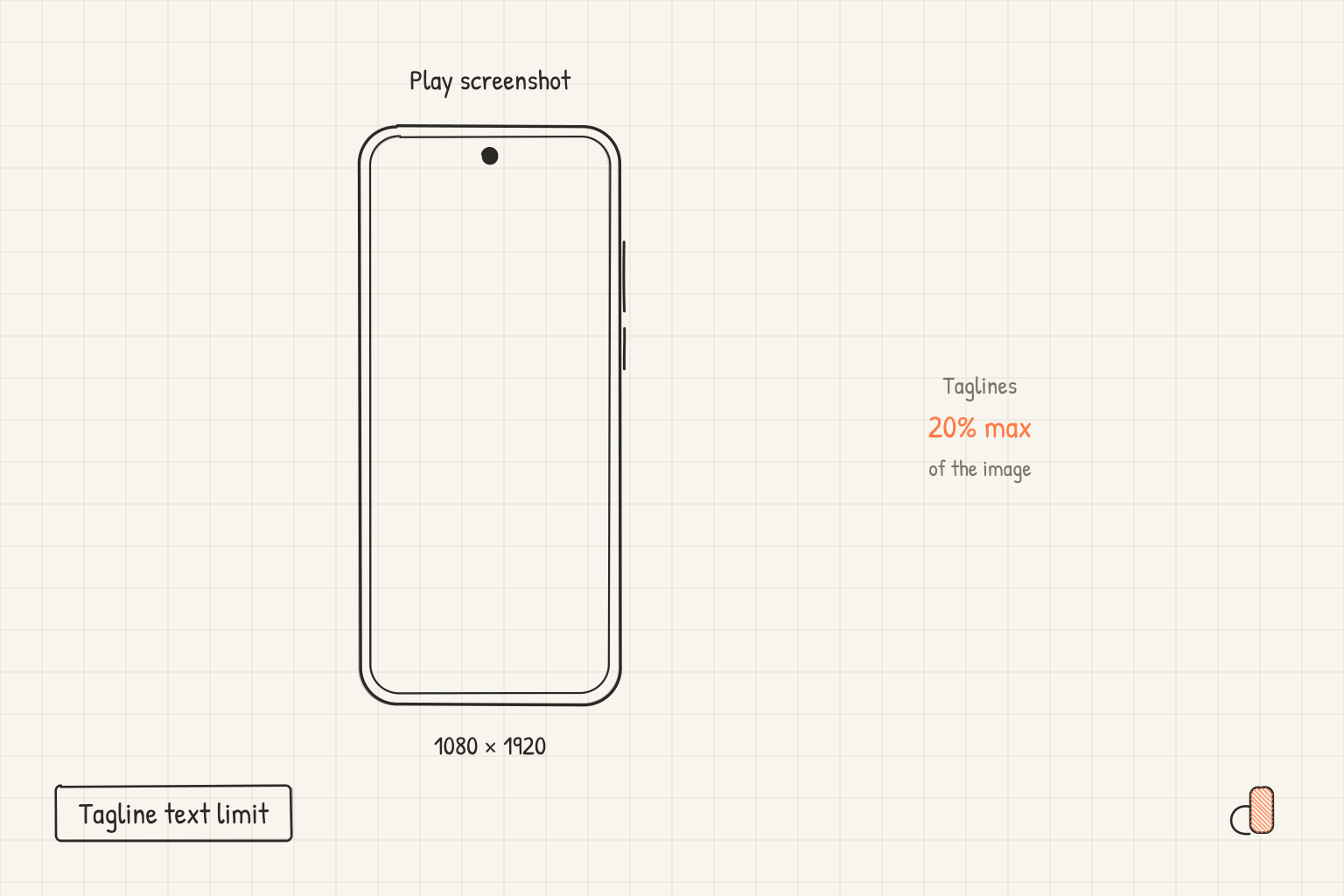
Read the 20% as area, the strictest sensible reading. On 1080 × 1920, the portrait size the Highly recommended guidance asks for, 20% of the area is 414,720 pixels, which a full width band reaches at 384 pixels tall. Treat 384 pixels as the headline budget, top and bottom bands combined.
To check a file, open the export in any image editor, select the band your headline and its background occupy, and read its height in pixels. On a full width band, anything over 384 pixels is over budget. The fix is fewer words, not smaller type: the same guidance warns against "overloading the screenshot with text in small font sizes or backgrounds that compete with the text".
Pick the canvas before you draw the band. A raw capture from a 20:9 phone fails the mandatory size rule, because Play caps the long side at twice the short side, so build on 1080 × 1920 as the Google Play and Android size reference works through.
Words and claims to keep off the canvas
| Category | Words Google gives as examples | Where stated |
|---|---|---|
| Store performance and ranking | "Best," "#1," "Top," "Million Downloads" | Screenshot guidance, preview asset page |
| Awards and Play programs | "App of the year," "Popular," "Editor's choice," "New" | Metadata policy, common violations |
| Price and promotions | "Discount," "Sale," "10% off," "$50 cash back," "free for a limited time only" | Both pages |
| Calls to action | "Download now," "Install now," "Play now," "Try now" | Screenshot guidance, preview asset page |
| User testimonials | No example wording given | Screenshot guidance rules out content suggesting testimonials; the policy bans unattributed ones in the description |
Read the scope before you copy rules across fields. The Metadata policy states its restrictions on emoji, capital letters used for emphasis and misleading symbols for the app title, icon and developer name, not for screenshots. What it says about screenshots is broader: they sit inside the metadata that may not be "misleading, improperly formatted, non-descriptive, irrelevant, excessive, or inappropriate".
To check your set, paste every headline into one document, in every language you ship, and search for each word above. The policies "apply to all translations of your Google Play store listing", so a translated claim counts the same as the English one. The fix is to swap the claim for the function under it: "Track spending by category" instead of a ranking claim.
Localisation is the other half. The asset page notes that in-game interface text "does not need to be localized per market, but any additional taglines or text overlays should be localized", and the best practices page asks for "separate screenshots and promotional videos for each language that you support". A screenshot with no overlay text needs no localised version, which is a real argument for a short headline.
Alt text for every screenshot
The same list asks you to "include alt text with each screenshot", because alt text "is important for screen-reader users who cannot see your uploaded screenshots". Google gives three rules: do not write "photo of" or "image of", since "screen readers already provide this information"; use context to identify the important part of the image; and stay within "140 characters or less". Its example is "The transaction complete screen."
So describe the screen, not the headline. Your headline is already text elsewhere in the listing, while the screen behind it is the part a screen reader user cannot see. Count the characters in a text editor before you paste. Preview assets live on the Main store listing page in Play Console, under Grow users, then Store presence, in the Graphics section.
Laying out a compliant headline free in appdesigns
appdesigns is a free browser based editor for listing images: no account needed to create or export, no watermark, unlimited exports, and PNG files rendered in the browser.
For Play, start from the Android 1080 × 1920 preset rather than the taller 1080 × 2400 one, since 2400 is more than twice 1080 and fails the mandatory size rule. Add your screenshot, a headline and an image, gradient or colour background, then keep the headline band inside the 384 pixel budget. Multi screen projects lay out the set at once, so headline lengths sit side by side, and the gallery of shipped screenshot sets shows how short real headlines run.
Upload the screenshot unframed. Google's guidance lists device imagery among the image elements to avoid in screenshots, and Wear OS listing screenshots must not be positioned within device frames at all. The Pixel 11 Pro and Galaxy S26 Ultra frames are for your website, ads and press kit. The editor does not check files against store rules, does not upload to Play Console and does not write or translate copy.
Frequently Asked Questions
Will Google Play reject a screenshot whose tagline covers more than 20% of the image?
The 20% limit sits under Highly recommended, and Google says failure to follow that list will not impact your store listing page. It may change how your assets appear on Google Play or limit promotional opportunities. The mandatory screenshot Requirements cover only file format and pixel dimensions.
How does Google measure the 20%?
Google's page does not say. Reading it as 20% of the image area is the strictest sensible interpretation, which on a 1080 × 1920 canvas is 414,720 pixels, or a full width band 384 pixels tall. Stay inside that and you are inside any looser reading too.
Can I put an award badge or a star rating on a Play screenshot?
Google's screenshot guidance says not to include content that reflects or suggests Google Play performance, ranking, accolades or awards, or user testimonials. The Metadata policy lists images or text indicating store performance or ranking, such as "App of the year" and award icons, among its common violations. Leave both off the canvas.
Are emoji allowed in Play screenshot text?
The Metadata policy states its restriction on emoji, emoticons and repeated special characters for the app title, icon and developer name, so it does not ban them in screenshots as such. The broader rule still applies: screenshots are metadata that must not be improperly formatted, excessive or inappropriate.
Do I need a separate screenshot set for each language?
For screenshots that contain text, yes. Google's best practices page asks for separate screenshots and promotional videos for each language you support, and the asset page asks for localised taglines and text overlays while exempting in-app interface text. Screenshots with no overlay text need no localised version.