Quick Answer
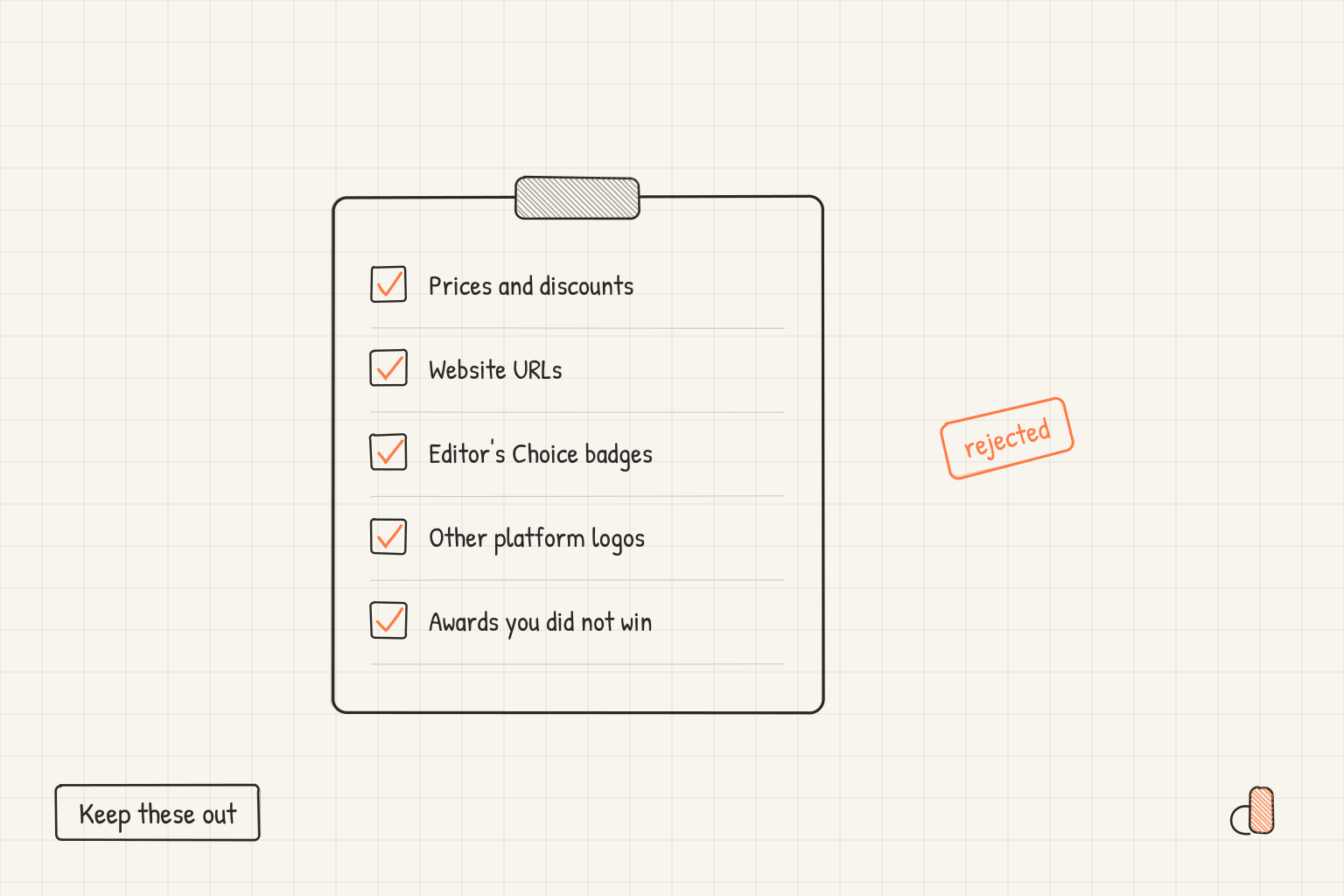
Two Apple pages decide what your screenshot captions may say, and they carry different weight. The App Review Guidelines are the enforceable set: 2.3.7 says metadata including screenshots "should not include prices, terms, or descriptions that are not specific to the metadata type", and 2.3.10 rules out "names, icons, or imagery of other mobile platforms or alternative app marketplaces". Apple's asset best practices page adds specific pricing, discounts, website URLs and copyright symbols, unverifiable claims, and Apple-designated recognitions such as Editor's Choice. The first list is what App Review holds you to. The second, in Apple's words, reflects "our overarching policies as well as how we evaluate artwork for featuring".
What the App Review Guidelines enforce
The App Review Guidelines carry a date stamp of June 8, 2026, and section 2.3 on accurate metadata is where screenshots live. Seven clauses touch the canvas.
| Guideline | What it says about screenshots | Keep off the canvas |
|---|---|---|
| 2.3.1(a) | Promoting a false price is "grounds for removal of your app from the App Store" | A price you cannot honour in every storefront |
| 2.3.2 | Screenshots must "clearly indicate whether any featured items, levels, subscriptions, etc. require additional purchases" | A paid feature shown as though it were included |
| 2.3.3 | Screenshots "should show the app in use", and may carry "text and image overlays" | Title art, a login page or a splash screen alone |
| 2.3.7 | Metadata "should not include prices, terms, or descriptions that are not specific to the metadata type" | Prices, terms, trademarked terms, rival app names |
| 2.3.8 | Screenshots must "adhere to a 4+ age rating even if your app is rated higher" | Gore, or a gun pointed at a specific character |
| 2.3.9 | Secure rights to your materials, and "display fictional account information instead of data from a real person" | Real names, real avatars, unlicensed photos |
| 2.3.10 | No "names, icons, or imagery of other mobile platforms or alternative app marketplaces" | Android frames, store badges, marketplace names |
Read 2.3.3 in your favour first. Apple explicitly permits "text and image overlays" on screenshots, and gives "an animated touch point or Apple Pencil" as its examples. The restrictions govern what your words claim, not whether you may add words at all.
Guideline 2.3.10 quietly rules out a whole design pattern. If you ship on both stores and build one set of images for both, an Android frame or a Google Play badge inside an App Store screenshot breaks it. Build the Play set separately, from the Android screenshot reference.
What the asset best practices page adds
Apple's asset best practices page covers app previews, screenshots and creative assets together, and its list under "Focus on your core experience" is more specific than the guidelines:
- "Don't include specific pricing, discounts, website URLs, copyright symbols." Apple's stated reason is keeping the content "relevant to a global audience and more evergreen".
- "Avoid claims that can't be verified, such as awards or recognition that your app or game hasn't actually received."
- "Don't include logos or references to other platforms or marketplaces."
- "Please don't include any Apple-designated recognitions" such as Editor's Choice, App of the Day, Game of the Day or Apple Design Award winner, because, Apple says, many of these already appear alongside your app in search results and on your product page.
For screenshots the same page asks you to stay focused on the core user experience and to "avoid using the entire asset to highlight general accolades or call-to-action statements". One caption carrying a trust signal is not the same as a frame carrying only a slogan.
Website URLs, copyright symbols and the named Apple recognitions sit on this page rather than in the guidelines, so say which rulebook you are quoting when you take one to a colleague. The same list governs the product page header and search results artwork covered in our post on creative assets in iOS 27.
Accolades still have a home. Apple's product page guidance says that if you choose to mention an accolade, "we recommend putting it at the end of your description or as part of your promotional text", which you can update at any time without submitting a new version. Follow that: move the award line off the canvas, where it costs nothing to change and sits outside the artwork Apple evaluates for featuring.
Five risky captions, rewritten
| Caption on the canvas | Why it is a problem | Rewrite |
|---|---|---|
| "50% off your first year" | Best practice: no specific pricing or discounts | "Plan your whole week in one view" |
| "Editor's Choice winner" | Best practice: no Apple-designated recognitions | Remove it, and let the badge Apple places do the work |
| "Also available on Android" | Guideline 2.3.10, other platforms in metadata | "Your notes sync everywhere you sign in" |
| "Free forever" over a paywalled screen | Guideline 2.3.1(a) on false prices, plus 2.3.2 | "Free to start. Pro unlocks shared folders" |
| "More at example.com" | Best practice: no website URLs | "Built for teams of any size" |
Every rewrite follows one pattern: replace the claim about the business with a claim about the app, which is the one thing both rulebooks ask you to make.
Checking a set before you upload
Two passes catch nearly everything above, and neither needs a tool.
Open each exported file at full size and read every word and mark inside the frame, including the parts you did not type. A promotional banner inside your own interface, a copyright line under a logo, a web address in a footer and a real customer name in a list view all arrive through the screen capture rather than the caption layer. Delete the element and recapture instead of rewording it: a reworded price claim is still a price claim, and 2.3.9 asks for fictional account information rather than blurred real data.
Then list every feature that sits behind an in-app purchase and mark which screenshots show one. Guideline 2.3.2 wants each of those to indicate that additional purchases are required, so label that caption rather than putting a global disclaimer on the last frame.
Preview the result where Apple does: the asset best practices page says you can use the Preview tool in App Store Connect to see how assets appear before they go live. File-level problems such as a wrong pixel size or an alpha channel surface separately, and our guide to screenshot upload errors covers those messages.
Writing compliant captions for free in appdesigns
appdesigns is a free browser editor for App Store and Google Play screenshots. It needs no account to create or export, adds no watermark, and gives unlimited PNG exports. You set the headline text on the canvas, which is exactly where these rules apply, so the App Store screenshot generator is a reasonable place to put a rewrite beside the original.
Canvas presets cover every accepted App Store class, including the 6.9 inch iPhone at 1320 × 2868, the 6.3 inch at 1206 × 2622, iPad at 2048 × 2732 and Apple Watch at 422 × 514. For an App Store set choose an Apple frame, the brand-neutral Uniframe on a phone canvas, or no frame at all, and never a Pixel or Galaxy frame, because of guideline 2.3.10.
One limit worth stating plainly: appdesigns does not check screenshot files or captions against store rules, and it does not upload anything to App Store Connect. Its Check reads text only on header, search and event art, and the caption ideas and translations in its Pro plan are drafts to read against this list. The reading pass above stays yours.
Frequently Asked Questions
Can you put a price or a discount on an App Store screenshot?
Apple's guidance points away from it twice. Guideline 2.3.7 says metadata including screenshots should not include prices or terms that are not specific to the metadata type, and the asset best practices page asks you to leave pricing and discounts out. Promoting a false price is treated under 2.3.1(a) as grounds for removal. Put the offer in promotional text, which you can change at any time.
Does Apple allow award badges on screenshots?
Apple asks you to avoid claims that cannot be verified, such as awards your app has not actually received, and not to include Apple-designated recognitions such as Editor's Choice, App of the Day, Game of the Day or Apple Design Award winner. Its stated reason for the second is that many of these already appear beside your app in search results and on your product page. For an award you did win elsewhere, Apple recommends your description or promotional text.
Can I show an Android phone in an App Store screenshot?
No. Guideline 2.3.10 says not to include names, icons or imagery of other mobile platforms or alternative app marketplaces in your app or metadata, unless there is specific, approved interactive functionality. That covers an Android device frame, a store badge and the platform name in a caption. Export a separate set for Google Play.
Are caption overlays allowed at all on App Store screenshots?
Yes. Guideline 2.3.3 says screenshots may include text and image overlays, and gives demonstrating input mechanisms as an example, while asking that the screenshot show the app in use rather than only title art, a login page or a splash screen. Apple's asset guidance adds that a short phrase which enhances the visual works better than one describing it, and asks you to localise it for every language your app supports.