Quick Answer
As of October 2026, an App Store listing needs at least one iPhone screenshot (App Store Connect scales your largest set, such as 1320 × 2868, down for smaller iPhones), at least one iPad 13-inch screenshot if the app runs on iPad, and, starting April 2027, iPhone Duo screenshots at 2007 × 2853 for the inner display and 1398 × 2034 for the outer display. Everything else is optional: the iOS 27 product page header at 3840 × 1646, the search results asset from 1920 × 1280 to 3840 × 2560, a 5244 × 2950 PNG that can serve both, and In-App Event art for the card (up to 3840 × 2160) and the details page (up to 2160 × 3840). Screenshots and header and search images can't include alpha channels.
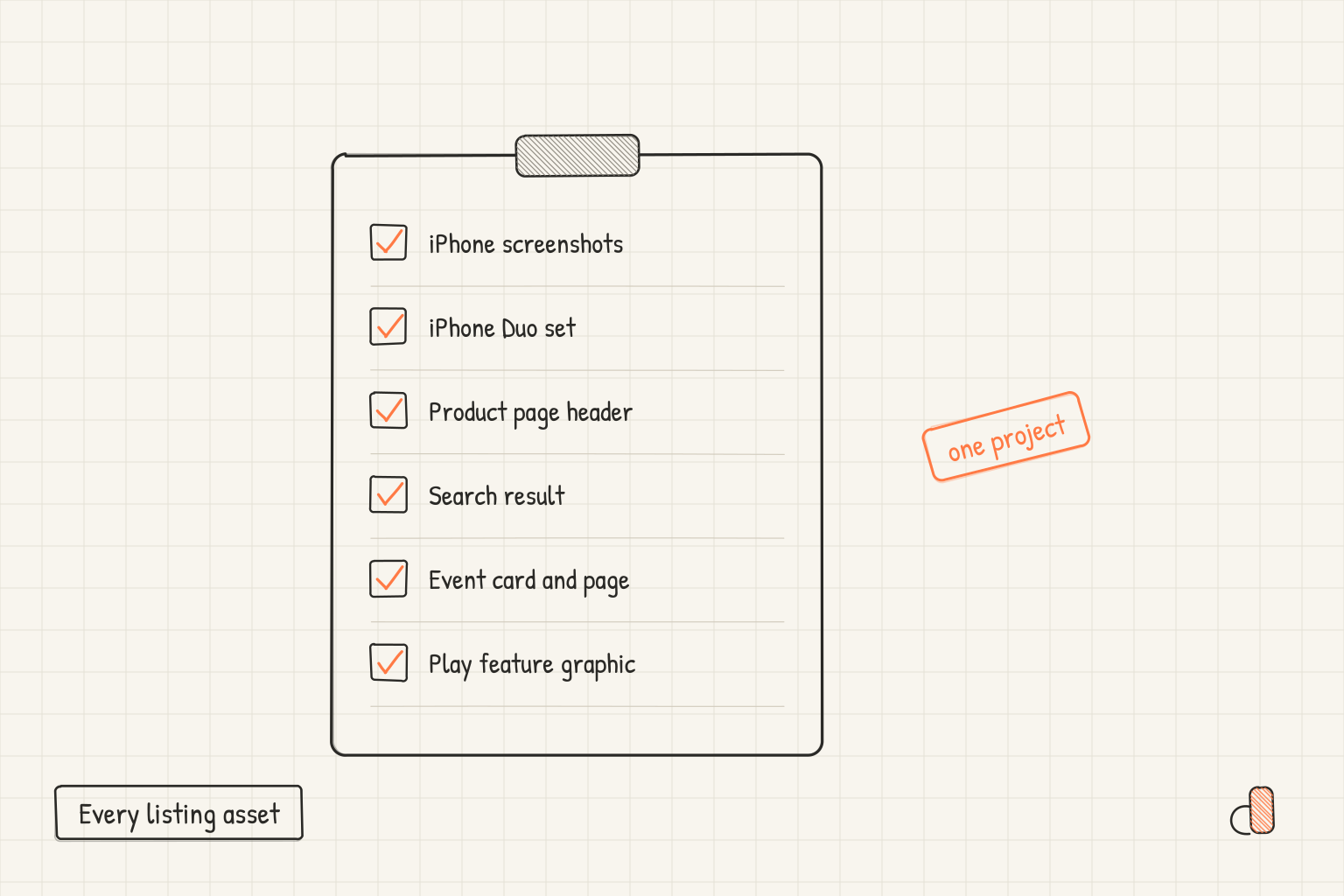
Every listing asset in one table
Apple splits the listing across the screenshot specifications and the creative asset specifications that App Store Connect added on October 5, 2026. Here is everything on both.
| Asset | Size | Required? | Where it shows | Made in appdesigns |
|---|---|---|---|---|
| iPhone screenshots | 1320 × 2868 (1 to 10 per size) | Yes | Product page and search results | Yes, iPhone screenshots |
| iPad screenshots | 2064 × 2752 or 2048 × 2732 | If the app runs on iPad | Product page on iPad | Yes, at 2048 × 2732 |
| iPhone Duo screenshots | 2007 × 2853 inner, 1398 × 2034 outer | From April 2027 | Product page on iPhone Duo | Yes, both displays |
| Product page header | 3840 × 1646 (21:9) | No | Top of the product page, iOS 27 and iPadOS 27 | Yes, Product page header |
| Search results asset | 1920 × 1280 to 3840 × 2560 (3:2) | No | Search on the App Store and in Apple Games | Yes, Search result at 3840 × 2560 |
| Universal asset | 5244 × 2950 PNG (16:9) | No | Header and search results at once | No, wider than the editor's 4,096 px limit |
| In-App Event card | 1920 × 1080 to 3840 × 2160 (16:9) | No | Product page, search, Today, Games and Apps tabs | Yes, at 3840 × 2160 |
| In-App Event details page | 1080 × 1920 to 2160 × 3840 (9:16) | No | Opens from the event card | Yes, at 2160 × 3840 |
| Header, search and event video | Same sizes, 30 or 60 fps | No | Same places | No |
| App previews | Video | No | Product page | No |
Apple's asset management page says creative assets "are optional and separate from your app's screenshots, app previews", and its best practices add that if you skip the search asset, "your In-App Events, app previews, and screenshots will appear" instead. Screenshots are the floor; creative assets are additions.
For iPhone Duo, Apple words the deadline two ways. The October 5 announcement says "any apps or games submitted" from April 2027 need Duo screenshots, while the screenshot specifications say they "will be required for any app using the iOS 27.1 SDK or later". Neither gives a day, so plan for the start of April. The sizes are on the foldable screenshot sizes page.
Google Play has its own column in the same project: phone screenshots at 1080 × 1920, uploaded without a device frame, and the 1024 × 500 feature graphic. The Google Play generator page covers that side.
What App Review checks on each kind
Screenshots and creative assets are held to different rules, and they are easy to mix up.
Screenshots fall under guideline 2.3.3: they "should show the app in use, and not merely the title art, login page, or splash screen". Apple's App Review guidance for 2.3.3, linked from the October 5 creative assets announcement, puts a number on it: App Review "will approve only those submissions where more than half of screenshots show the app in use", so with four screenshots per device, three must. To check a set, count the screens that are only a title card, a logo or a login page. To fix one, swap a title card for a real screen with its caption on top.
Creative assets are different. Apple calls them "distinct from the in-use functionality requirement", and holds them to the content list on its asset best practices page instead: no specific pricing, discounts, website URLs or copyright symbols, no other platforms or marketplaces, no Apple recognitions such as Editor's Choice, and a 4+ age rating. The header should "focus on a single, clear idea", and the search asset should "showcase the firsthand experience". The same list for screenshot captions, with rewrites, is in what not to put on App Store screenshots.
One project for the whole listing
Since October 2026, appdesigns keeps every asset of one app in a single project, so the header, search art, event pair and Duo set share one look.
The top bar names the project and what is on the canvas, such as "Forest Explorer / Product page header · 3840 × 1646". Click the kind and the whole catalog opens in three columns, App Store, Google Play and Marketing. Pick a row and the canvas changes to it.
| Tool | What it does | Where |
|---|---|---|
| Still needs | Lists the assets the project lacks and makes one in the project's background and phone | Project menu, signed in |
| Event pair | Makes the 9:16 details page from a 16:9 event card, or the card from the page, with the same palette | Project menu and Style |
| iPhone Duo set | Makes a Duo set at 2007 × 2853 in the Duo frame from an iPhone set | Project menu |
| Details | Fills the app's name, subtitle, developer, icon and ratings from its App Store link | Under the Store preview |
| Store preview | Shows the asset on an iPhone mock of the iOS 27 product page, search result or event, in Light and Dark | Beside the canvas |
| Check | Lists what Apple's guidance asks to leave off, and selects the layer at fault | Under the Store preview |
Three limits matter. The Duo set crops your iPhone screenshots to the wider display, so swap in captures from the iPhone Duo simulator before you upload. The Store preview is appdesigns' reading of Apple's layout; App Store Connect has its own preview, which also shows iPad and other orientations. Check covers the four App Store listing assets (header, search result, event card and event page) and reads their text and library pieces: prices, discounts, URLs, the copyright sign, Apple's recognitions, unverifiable awards, other stores, text past the safe area, any text on event art, and the event name and descriptions. It does not check file size or format, and it is not App Review.
The project also carries its icon, uploaded or taken from an App Store link, and Style lays seasonal themes (Halloween, Winter holidays, New Year, Valentine's, Summer, Launch, Competition, Now on iPhone Duo) on a header or event in one step.
What still happens outside appdesigns
Four things stay outside the editor:
- Video. Header and search videos run 5 to 30 seconds and event videos 15 to 30 seconds. The editor makes no video, and no app previews.
- The 5244 × 2950 universal asset. Its 5,244 px width is over the editor's 4,096 px limit, so make the header and search result as separate assets.
- The app icon itself. A project can show your icon, but you design and ship it in your app.
- Uploading. You upload in App Store Connect, under Product Page Information on the Header and Search Results tab or in the Asset Library, as Apple's asset management page describes.
Make the whole listing free in appdesigns
Open the App Store screenshot generator and start with your iPhone screenshots. It is free, needs no account to create or export, adds no watermark and has no export limit, and it renders in your browser. Exports are PNG files, and with an opaque background they carry no alpha channel, which is what App Store Connect asks for. The catalog, the Store preview, Check, Details, Style and the event and Duo tools are all free. Sign in when you want the project saved to your account, which is also what the still needs list works from.
The optional Pro plan at pricing adds AI captions, translated sets and your own fonts; nothing in this post needs it.
Frequently Asked Questions
Do I need a product page header to submit my app?
No. Apple says creative assets are optional and separate from your screenshots. Add one when you have a single, clear idea worth the top of your page.
Can one image serve as both the header and the search results asset?
Only a universal asset, the 16:9 PNG at 5244 × 2950. Apple's asset management page says the option to use the header asset in search results is only available for universal assets. Otherwise you upload a 21:9 header and a 3:2 search asset separately.
Do creative assets replace my screenshots?
No. Screenshots stay required. Apple says that if you choose not to use a search result asset, your In-App Events, app previews and screenshots appear there instead.
Does appdesigns upload to App Store Connect?
No. It exports PNG files and you upload them in App Store Connect yourself. It also does not make videos or the 5244 × 2950 universal asset.
Is it free to make every asset in appdesigns?
Yes. Every canvas in the catalog, the listing tools and unlimited exports are free with no watermark. An account only saves projects, and the paid plan is only for AI features and custom fonts.